


Creaform HandySCAN BLACK Elite 3D Scanner
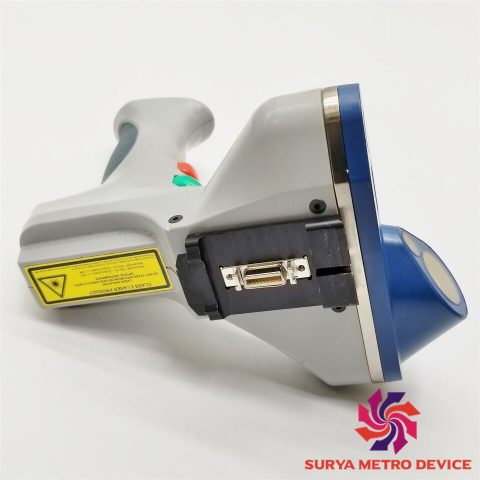
When it comes to holding the scanner, product design is once again well thought out, despite the handle’s compact size. There is room to fit three fingers around it, while the index finger is to be positioned on the scanner’s side (as if you were holding a gun). The surface textures are grippy and a little squishy where needed.
Button interactions are done with the thumb, which won’t struggle to find its resting position and how to access the contextual 6-button interface. Contextual means that the functionalities are not hard-mapped in the buttons, but rather depend on the use case and what you are scanning. This enables an intuitive use and a lot of efficiency when performing 3D scans.
Getting started
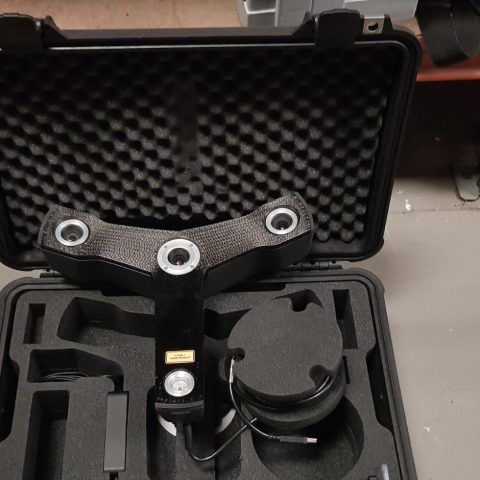
As is often the case, calibration is recommended. The software guides the user step-by-step directly on the computer screen. The calibration plate is the heaviest item of the package– it’s even heavier than the HandySCAN BLACK Elite itself.
This calibration process consists of 3D scanning the calibration plate from different distances and angles. The LED lighting on the back of the 3D scanner is of precious help. All in all, the process is very fast and once complete, the software signals that it is ready to 3D scan.


There are no reviews yet.